
See what
you mean.
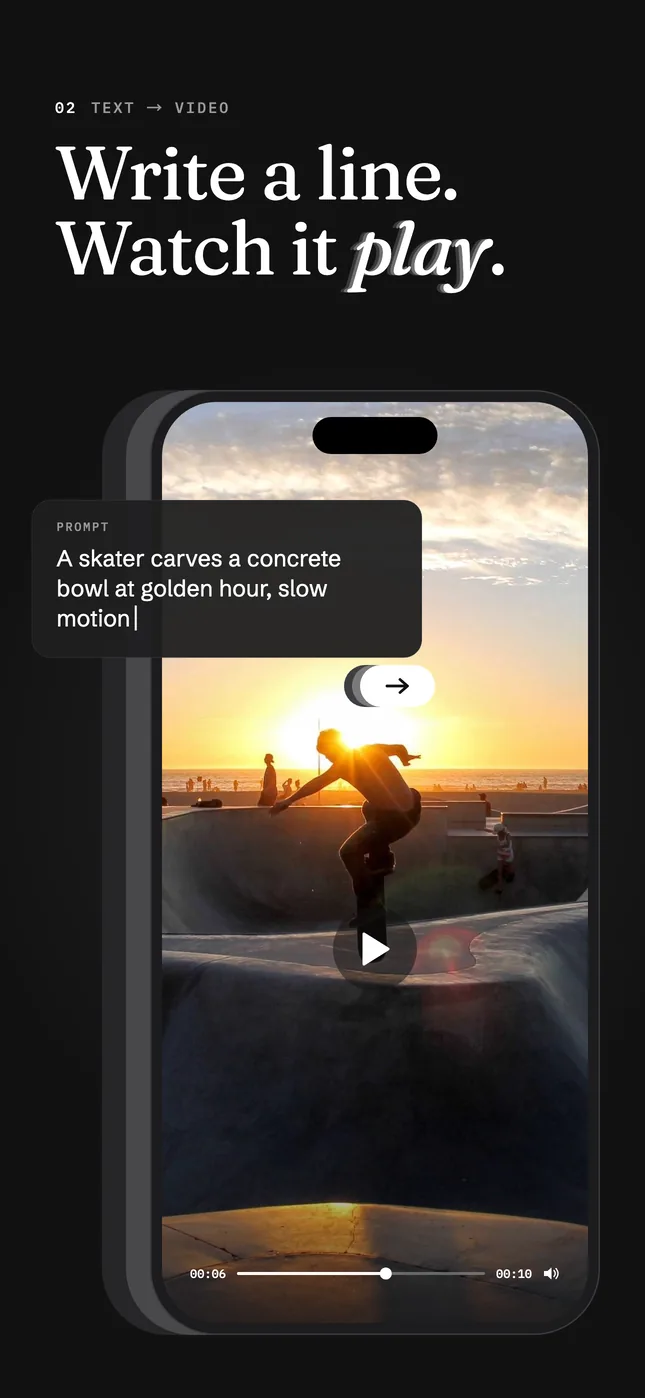
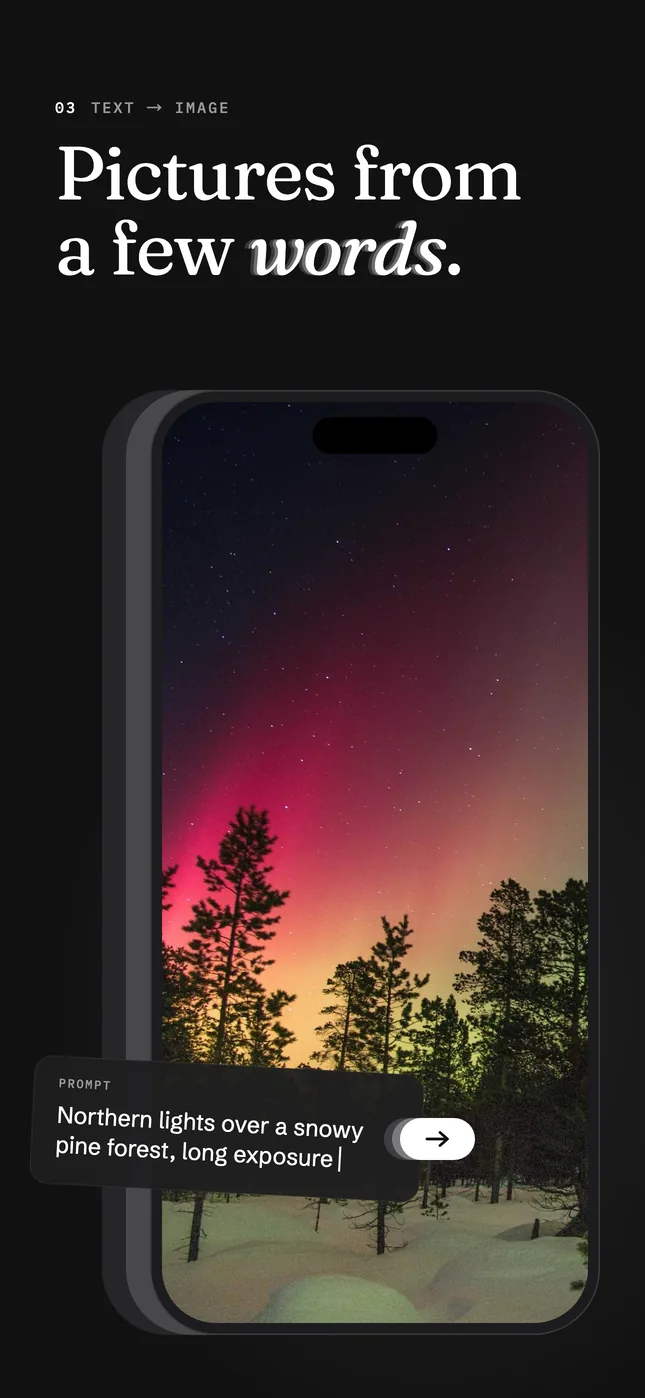
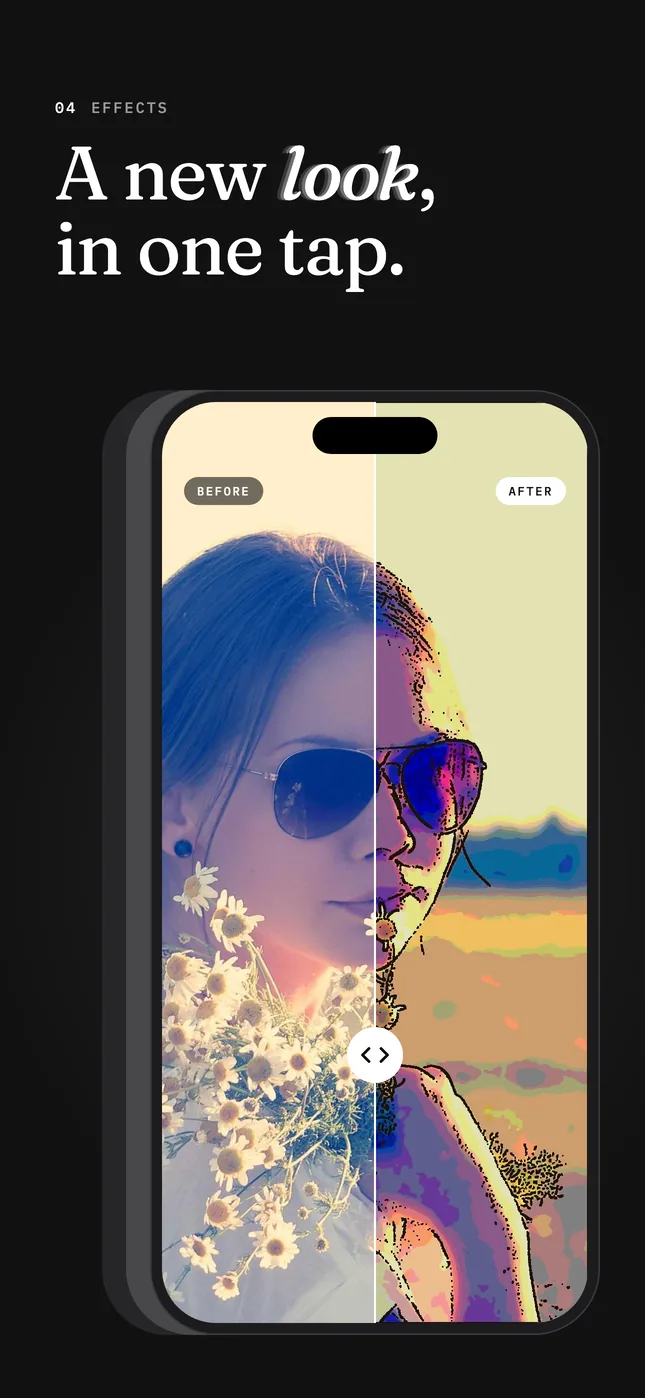
Write a line or choose a photo, and Vistellar turns it into a short video or a brand-new image.
Coming soon on theApp Store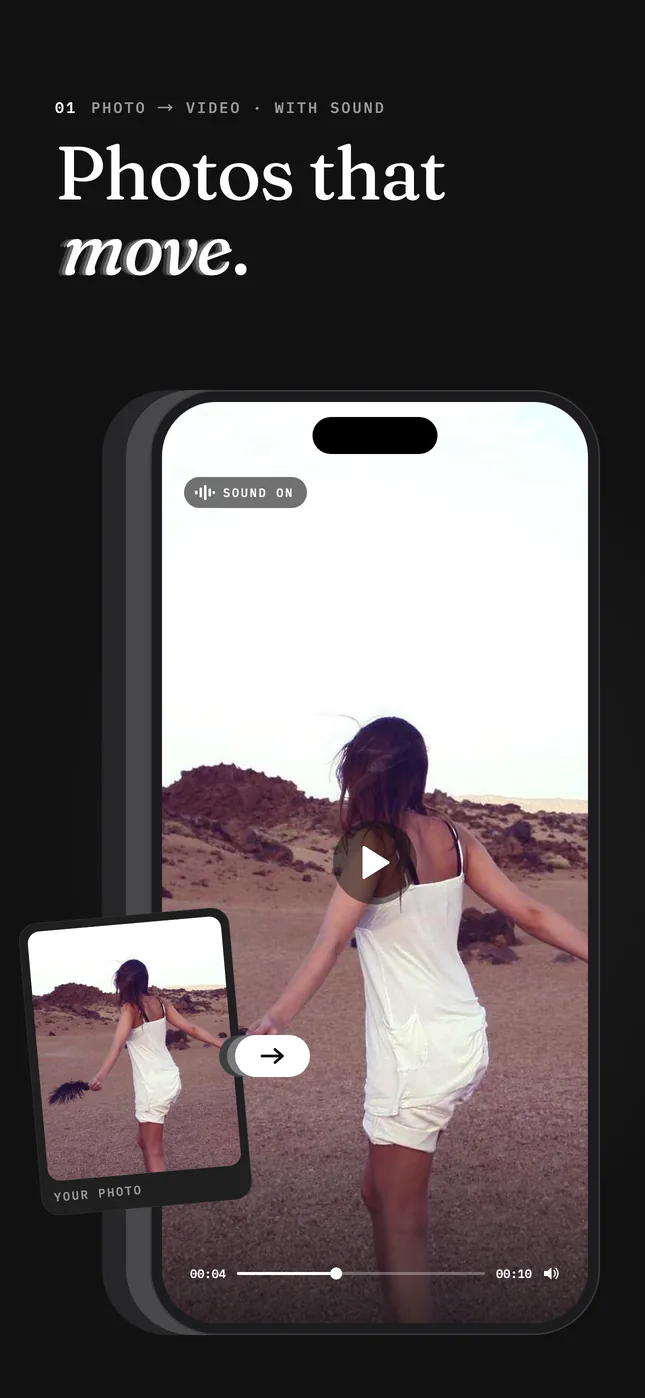

Support
Help with purchases and Pro Membership in Vistellar.
Restore purchases
If you reinstalled Vistellar or moved to a new iPhone, make sure you are signed in to the App Store with the Apple Account you subscribed with, then open Vistellar and use Restore Purchases. An active Pro Membership comes back at no extra cost.
Gem Packs are one-time purchases, and Apple does not restore those. If Gems you bought are missing after reinstalling or switching phones, email us and we will look into it.
Manage or cancel Pro Membership
Pro Membership is billed by Apple and renews automatically until you cancel it. To change or cancel it, open Settings on your iPhone, tap your name, then Subscriptions. You can also go to apps.apple.com/account/subscriptions.
To avoid being charged for the next period, cancel at least 24 hours before the current one ends. Your membership stays active until the end of the period you have paid for. Deleting the app does not cancel the subscription.
Refunds
Purchases in Vistellar are made through Apple, and Apple decides on and issues refunds; we cannot refund them ourselves. To ask for one, go to reportaproblem.apple.com.
If Apple refunds a purchase, the Gems it added are deducted from your balance, even if you have already spent them, so your balance can go below zero. A refunded Pro Membership ends when the refund is made.
Contact us
Email [email protected] with any question about the app, your Gems or your membership.